Your sailing logbook
Launching 2027Every sail tells a story.
Track your route by GPS, get the weather on the water, add photos and crew, and share your sails with friends. All in one place, ready whenever you want to look back.
NimoSail is in testing now and launches on Google Play in 2027. Want to try it early? Email support@nimosail.app to join the testers.
What it does
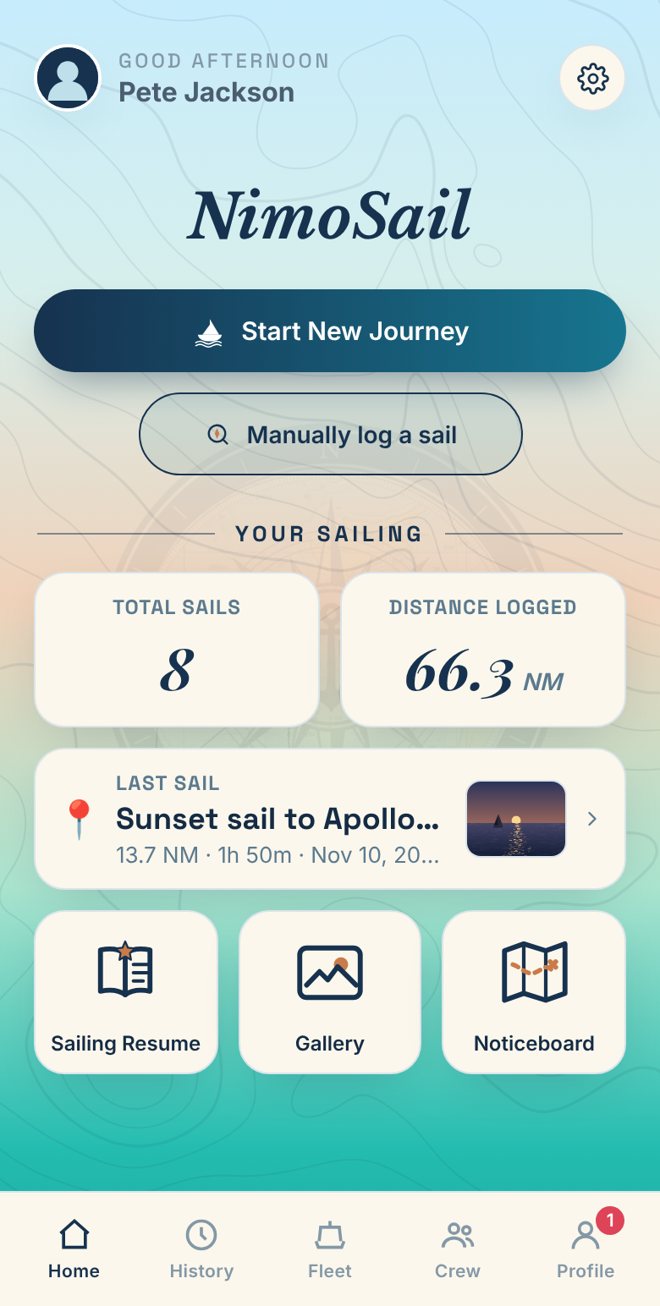
A logbook that keeps up with you
GPS journey tracking
Press Start New Journey and NimoSail records your route, distance, time and speed, even with the screen off on Android.
Weather on the water
Every sail gets an automatic weather report: wind, gusts, waves and temperature along your track, even for sails you log afterwards.
Crew, friends and sharing
Add your skipper and crew, then send a sail to friends. They choose whether to add it to their own log.
Photos and short reels
Keep the photos with each sail, browse them in the gallery, and turn a trip into a short reel for WhatsApp or Instagram.
PDF log and sea-time record
Export a sail as a printable PDF, and build a sailing résumé with a GPS sea-time certificate.
Everywhere I've sailed
See every tracked sail replayed together on one map, day and night.
Your fleet
Keep your boats with photos and notes, and see which boat you sailed on each trip.
Noticeboard
Post your next sail or race so friends know what you're planning.
See it in action
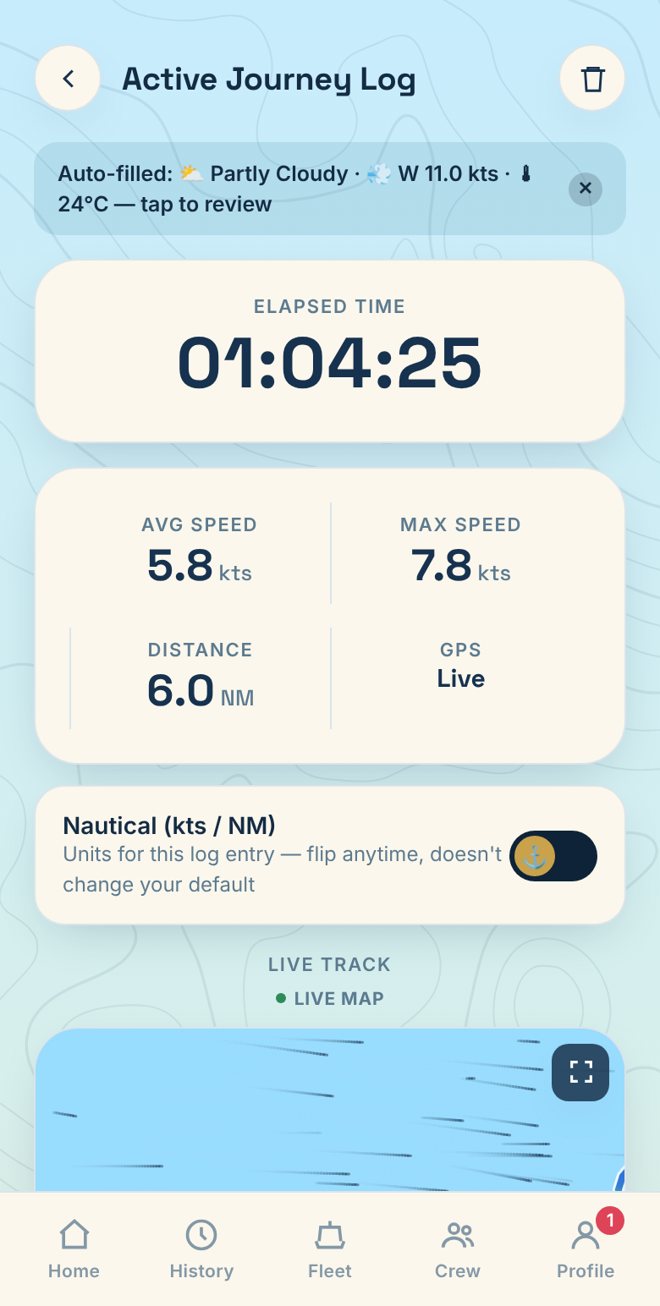
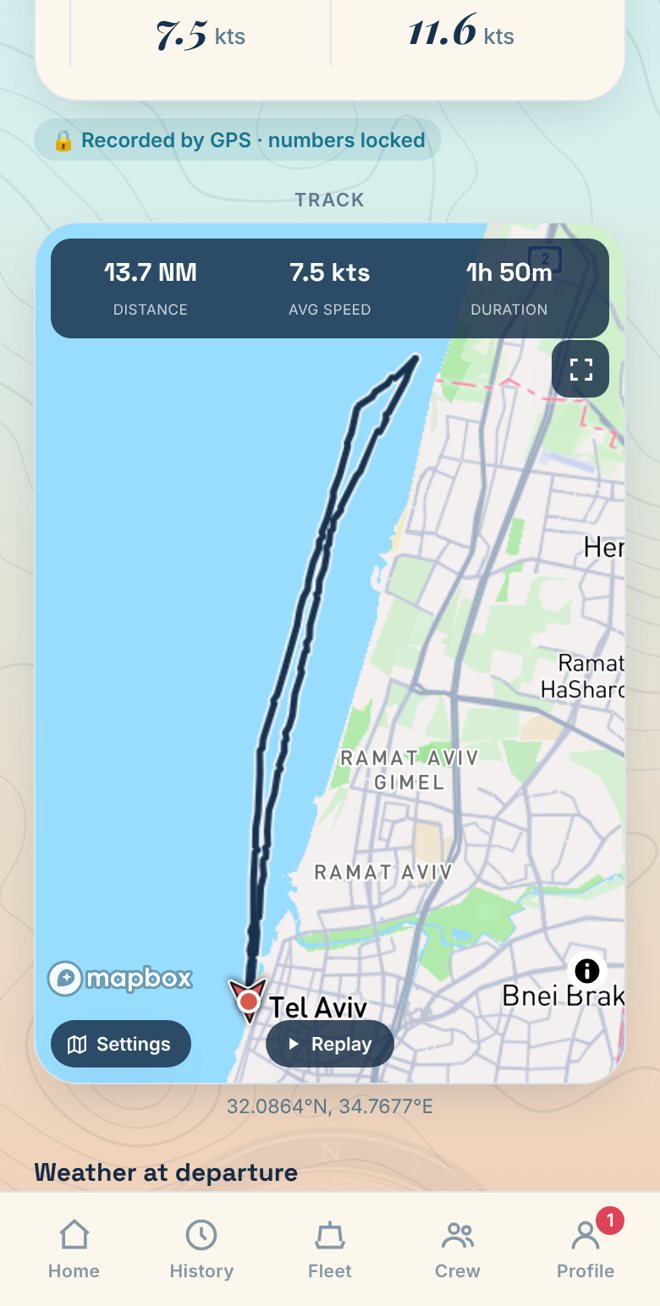
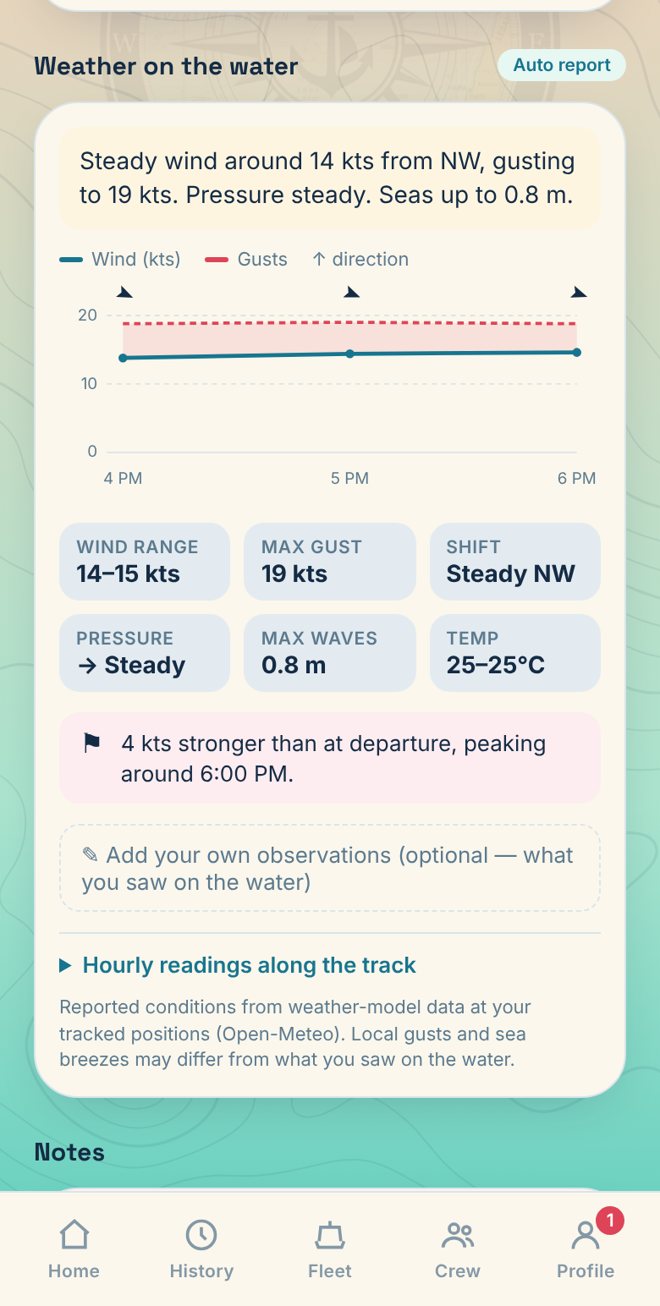
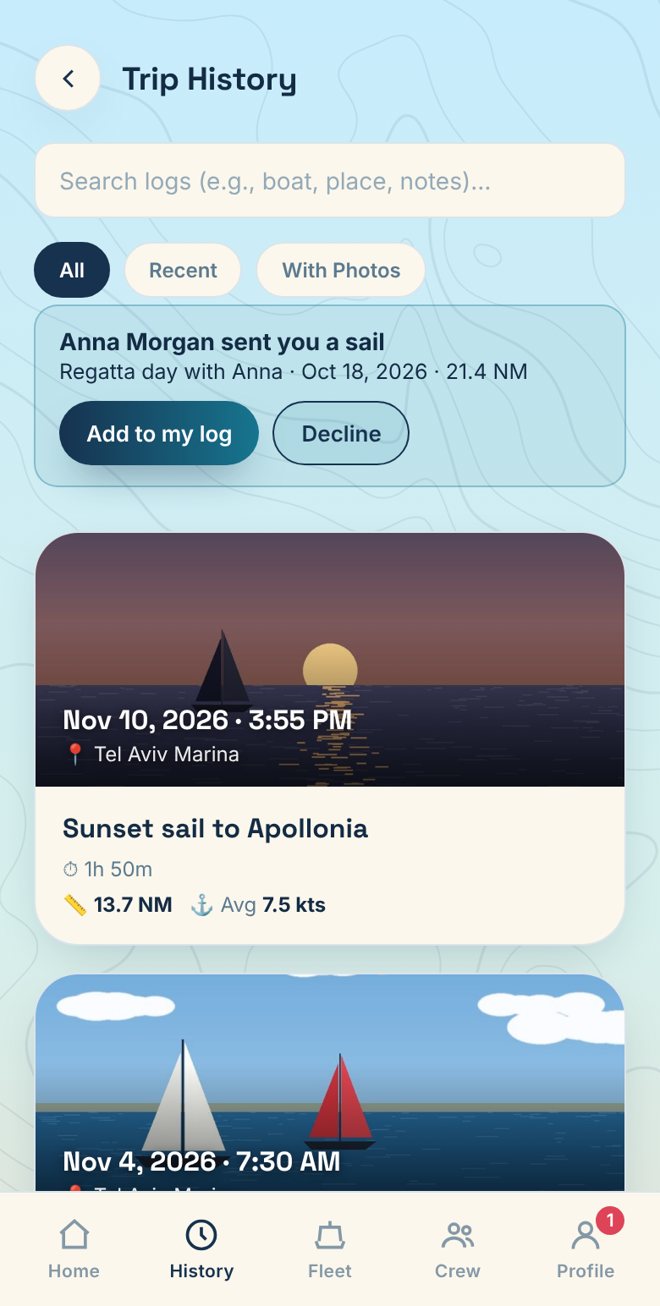
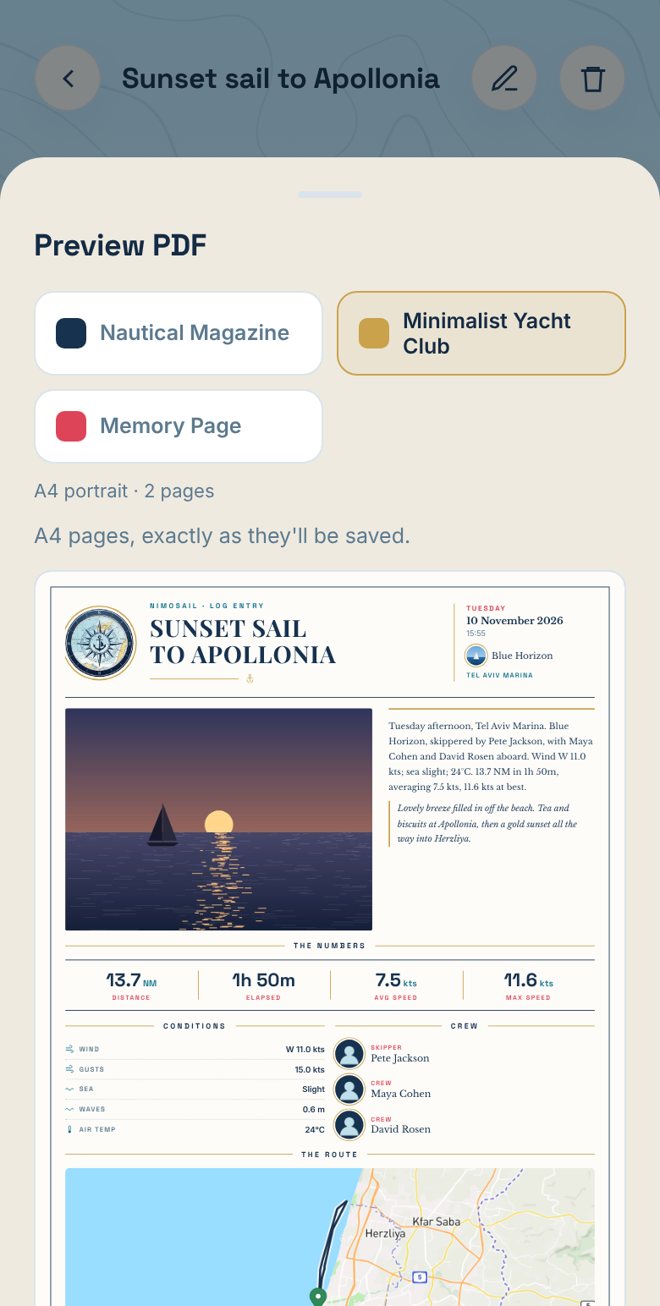
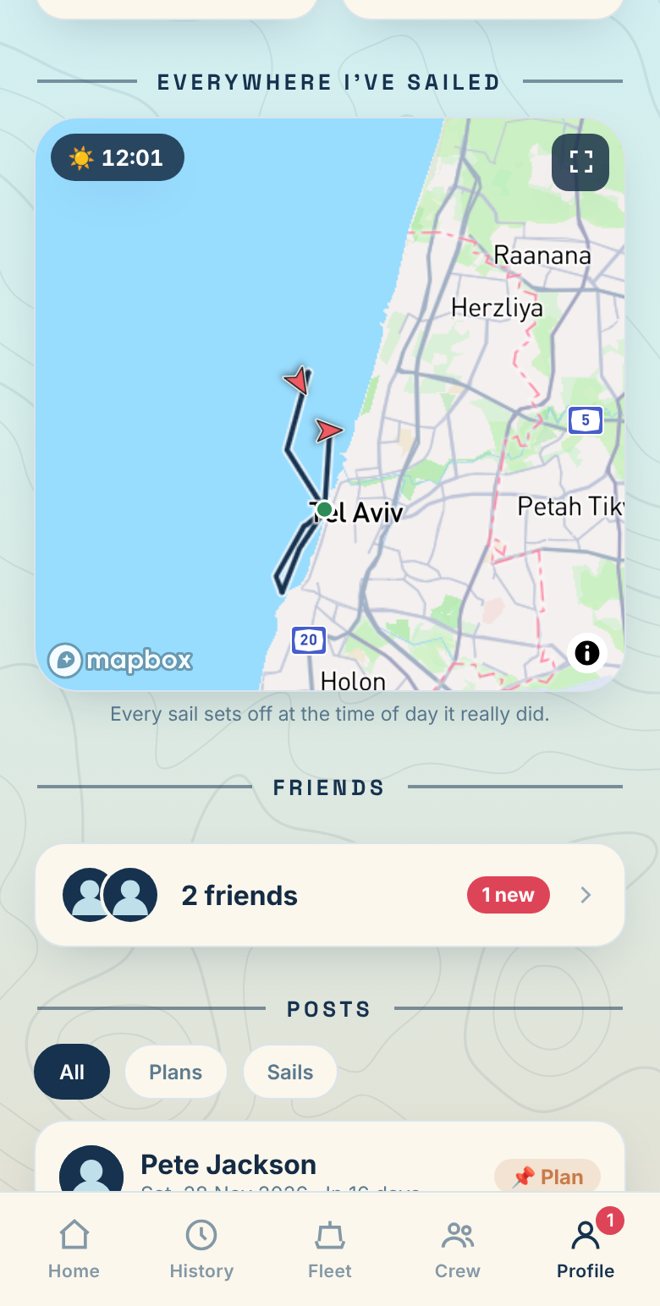
Screens from the NimoSail user guide. Names, boats and sails are made-up examples.
On iPhone
No App Store needed
Use NimoSail today as a web app, no App Store needed. Add it to your Home Screen once and it opens just like any other app. GPS recording on iPhone works while the screen is on.
A full iPhone app is on the way
- 1 Open NimoSail in Safari on your iPhone (tap “Open the web app” above).
- 2 Tap the Share button, then Add to Home Screen.
- 3 Open it from the new icon and sign in. To get notifications, turn them on in Settings › Notifications (iOS 16.4 or later).
Need a hand?
Questions, ideas or something not working? Send a message and you'll get a reply from the person who builds the app.
I used Sail la Vie. Where are my sails?
Sail la Vie is now NimoSail. Update the app (or add the new icon on iPhone) and sign in as before. Everything is still there.
Does it work without mobile signal?
Yes. GPS tracking works anywhere you can see the sky, even with no signal. Your sail is saved on your phone and uploads the next time you open the app with a connection. The map background and weather fill in once you’re connected.
Who can see my sails?
Only you, unless you choose Friends for a sail. You can change it any time from the sail’s page. Read the privacy policy.
How do I delete my account?
In the app: Settings › Account › Delete account. No app? Follow the steps on the Delete account page.